Your digital menu. Change it once, right everywhere.
Edit once, and it's live on your QR menu, your website and a print-ready PDF.
The QR menu is free forever. No card needed.
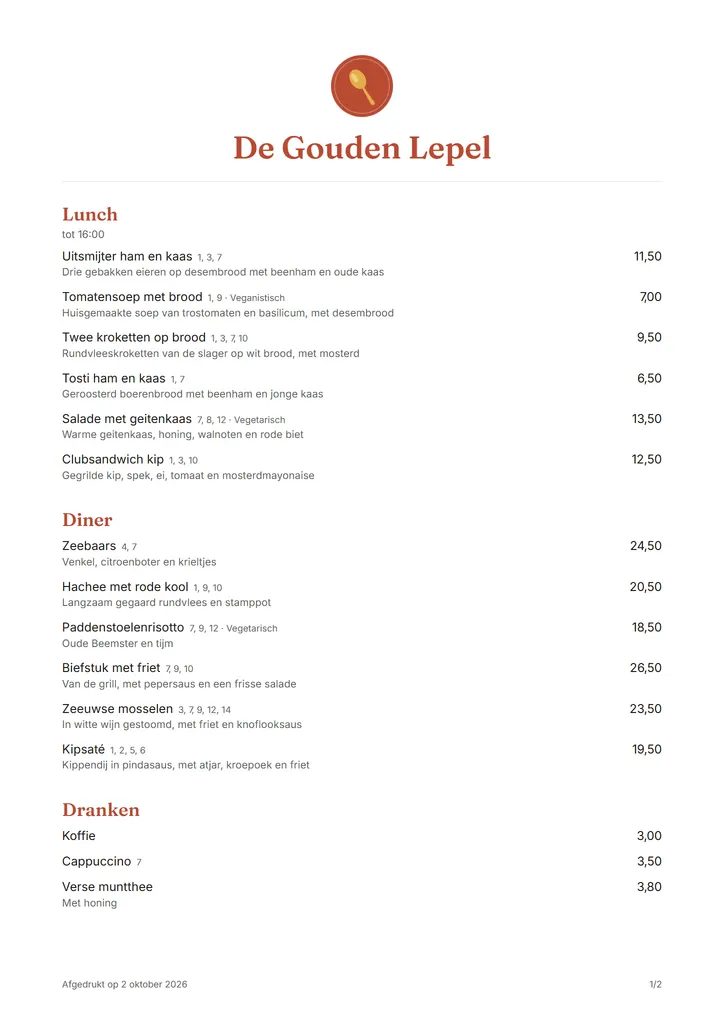
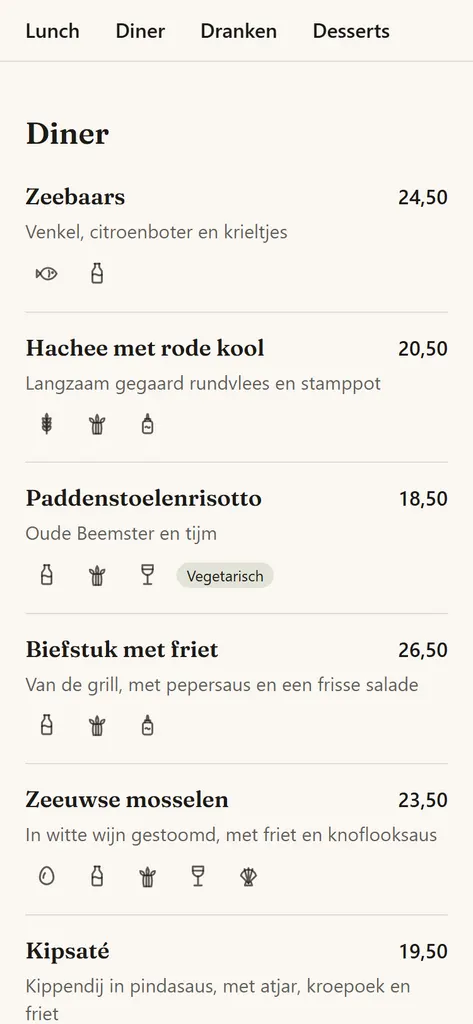
Your menu lives in 3 places. They all disagree.
Tonight the sea bass costs €24.50. Depending on where your guests look, they see a different price.
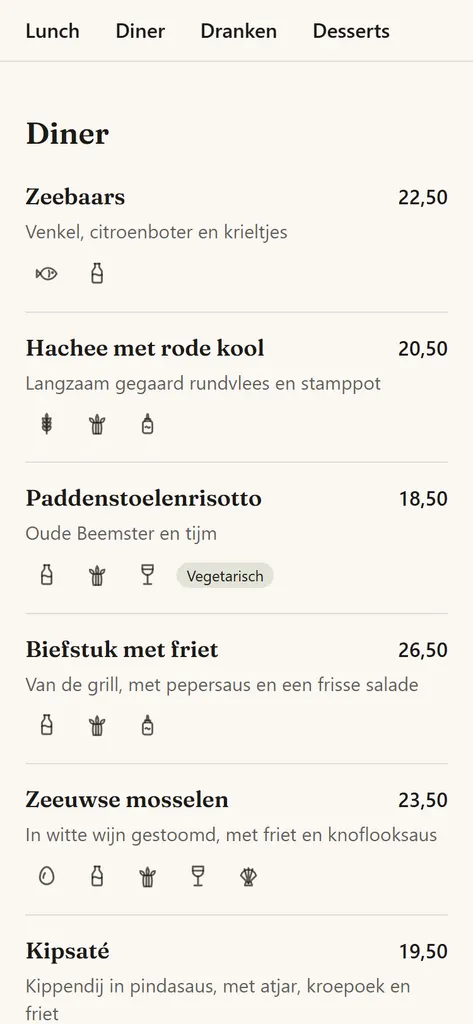
QR menu
Sea bass €22.50 (out of date)
Edited 3 weeks ago
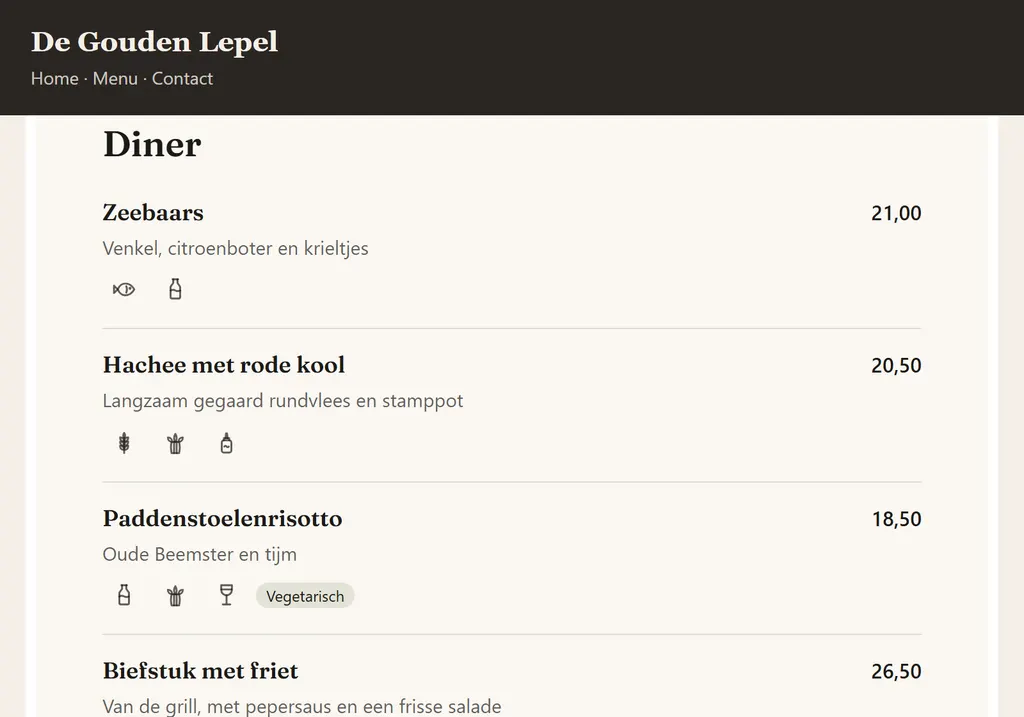
Website
Sea bass €21.00 (out of date)
Waiting for the web designer
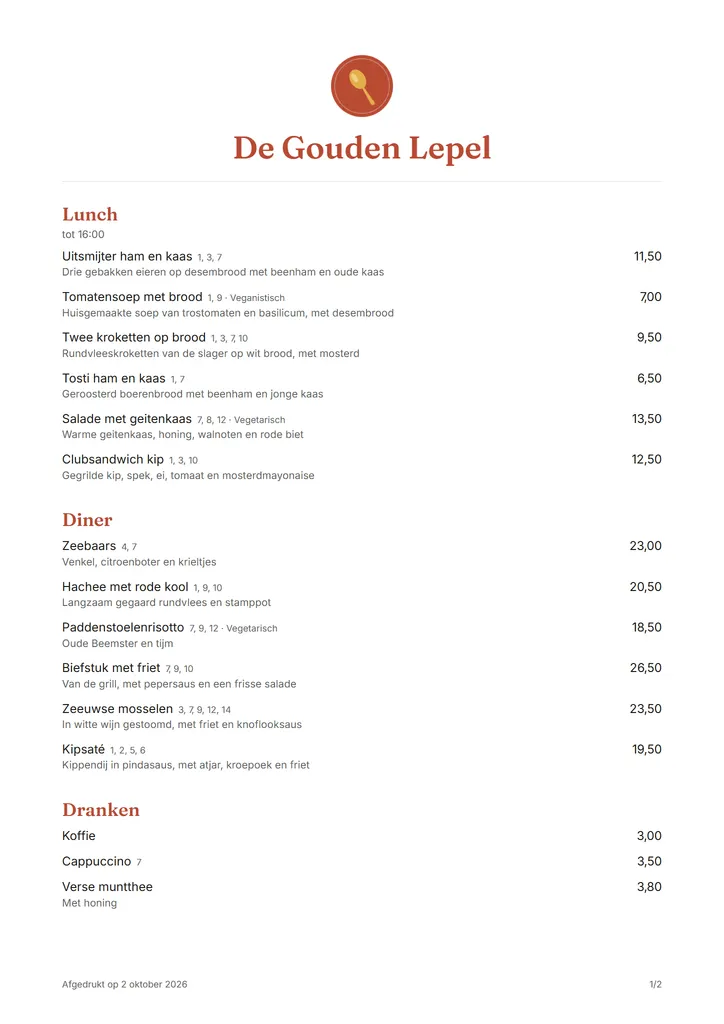
Print menu
Sea bass €23.00 (out of date)
Printed in March
Edited once in Menuklaar, just now
Edit it in Menuklaar. Now they all agree.
Set the sea bass to €24.50 and your QR menu and website show it straight away. Your print menu PDF is updated too, ready to print. Nothing to retype, nobody to email.
QR menu
Sea bass €24.50
In sync
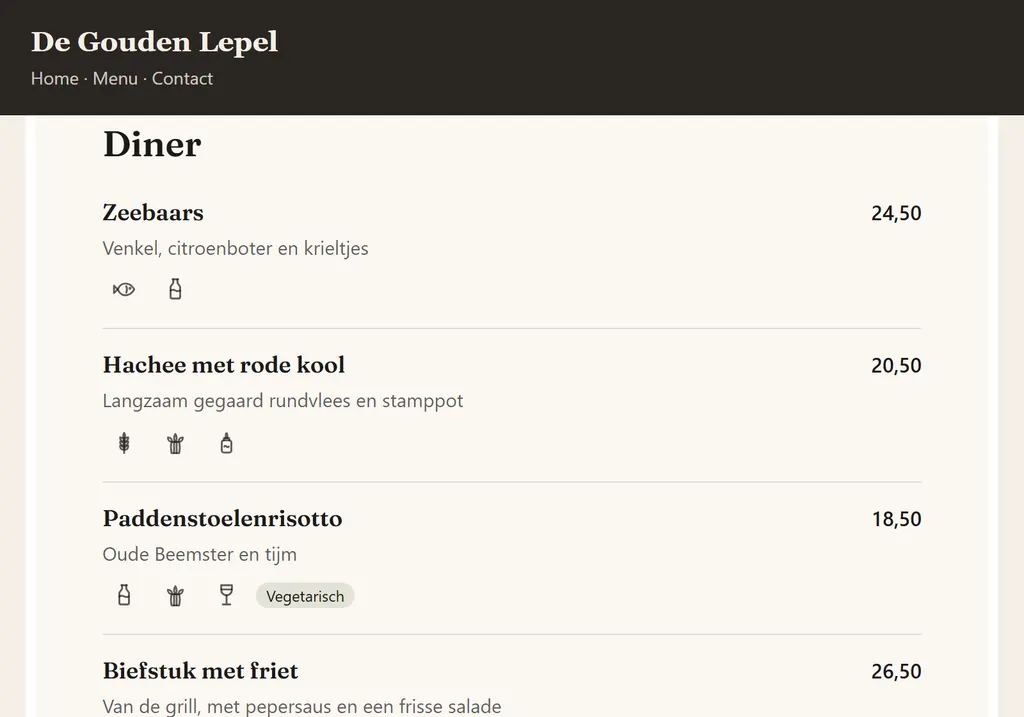
Website
Sea bass €24.50
In sync
Print menu
Sea bass €24.50
PDF updated
Change it once, from your phone
Sea bass gone mid-service? Open Menuklaar on your phone and tap Sold out today. Every edit is live immediately.
Sold-out dishes come back by themselves the next morning.
Sea bass €24.50Sold out todayGreyed out, never hidden, so guests know it's usually on the menu.
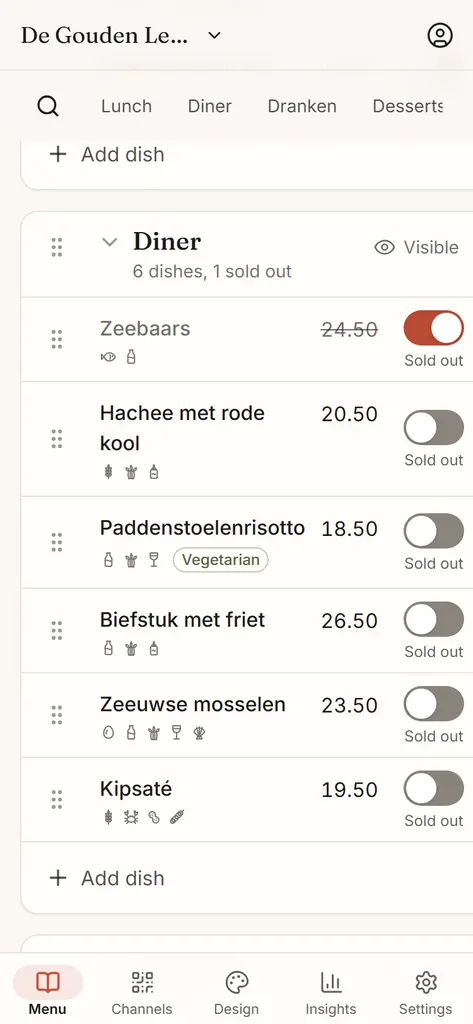
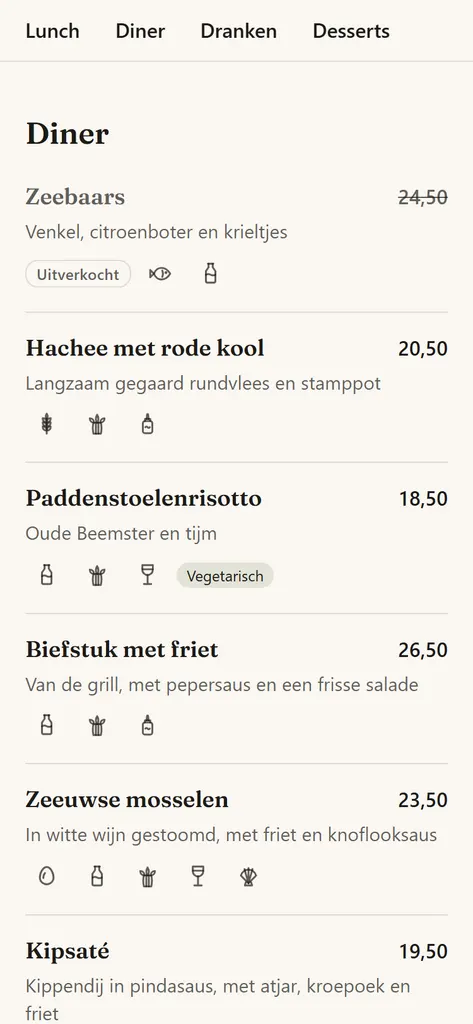
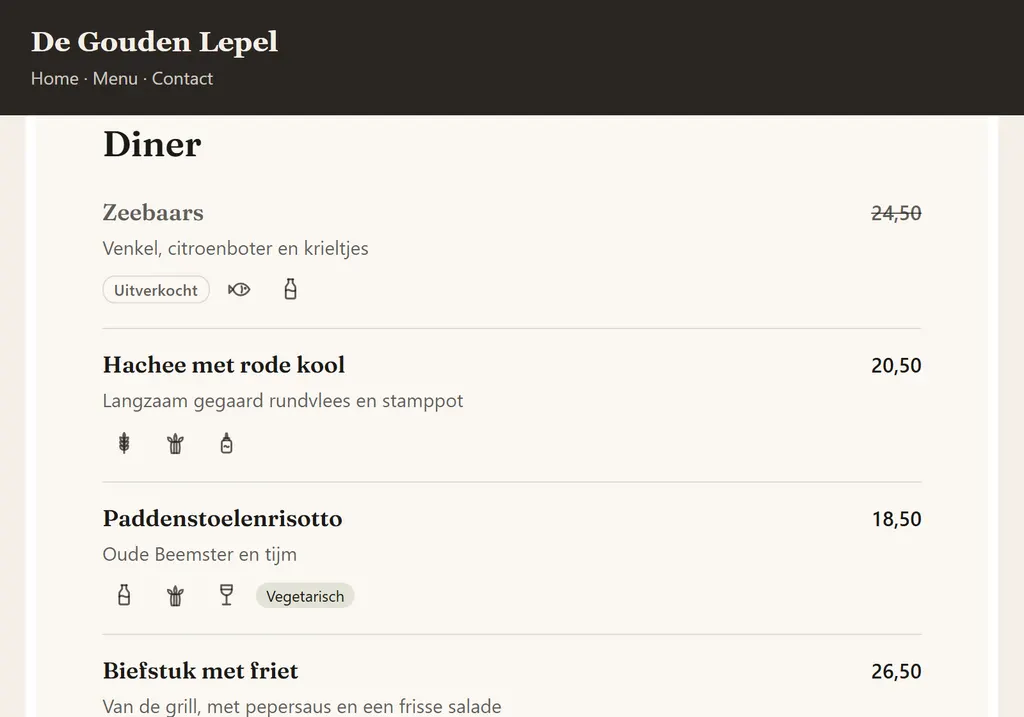
Live on your QR menu and website
How it works
From your paper menu to a QR menu on the tables in about 10 minutes.
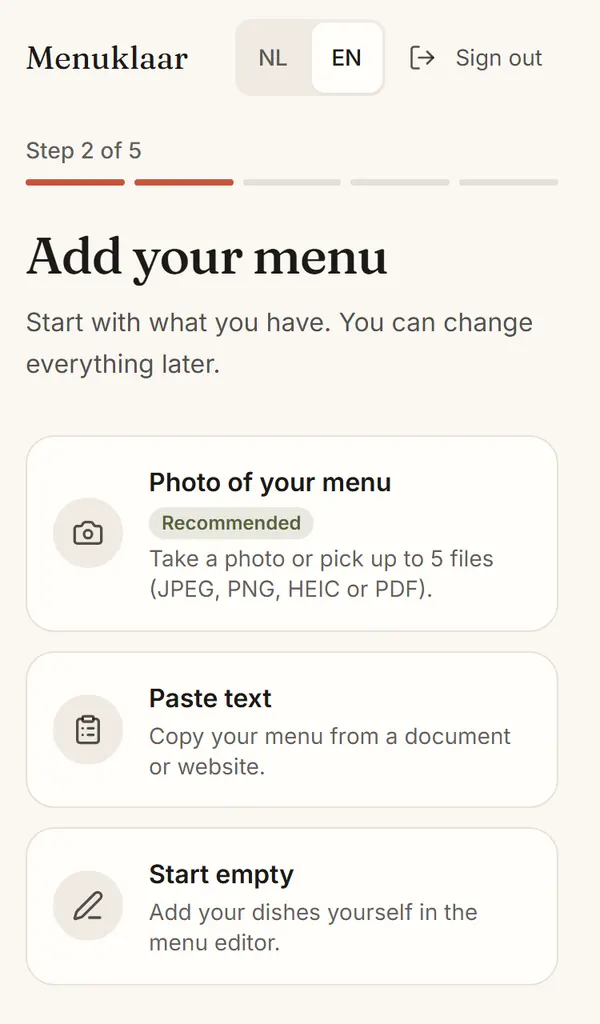
Take a photo of your menu
Upload a photo or a PDF, or paste the text. Menuklaar reads your dishes, prices and categories.
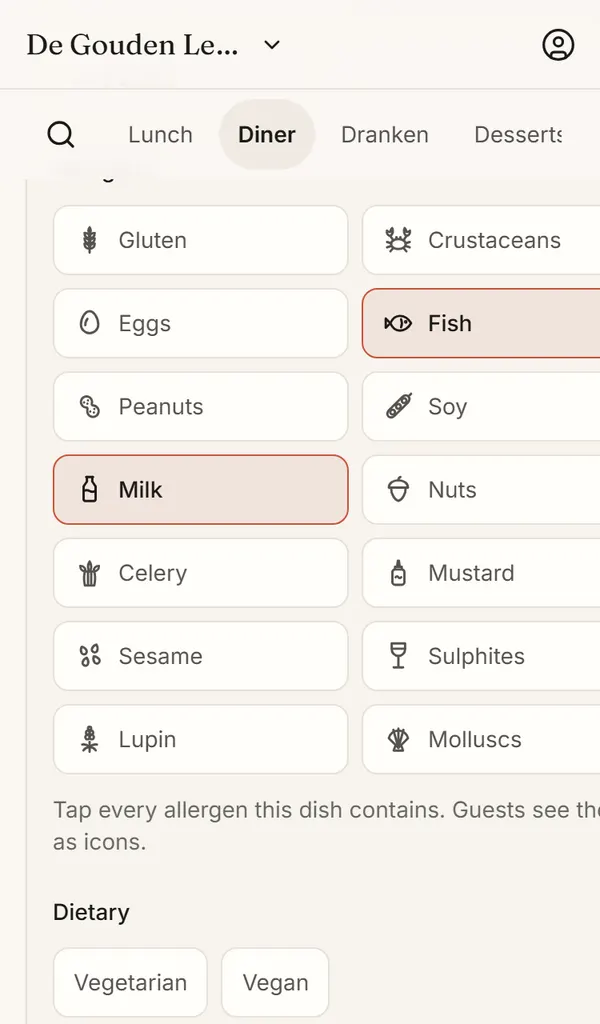
Check the allergens
Menuklaar suggests the allergens of every dish. You check them and fix what's off.
Put the QR on the tables
Print the table cards with your QR code. Guests scan and see your menu, in their language.
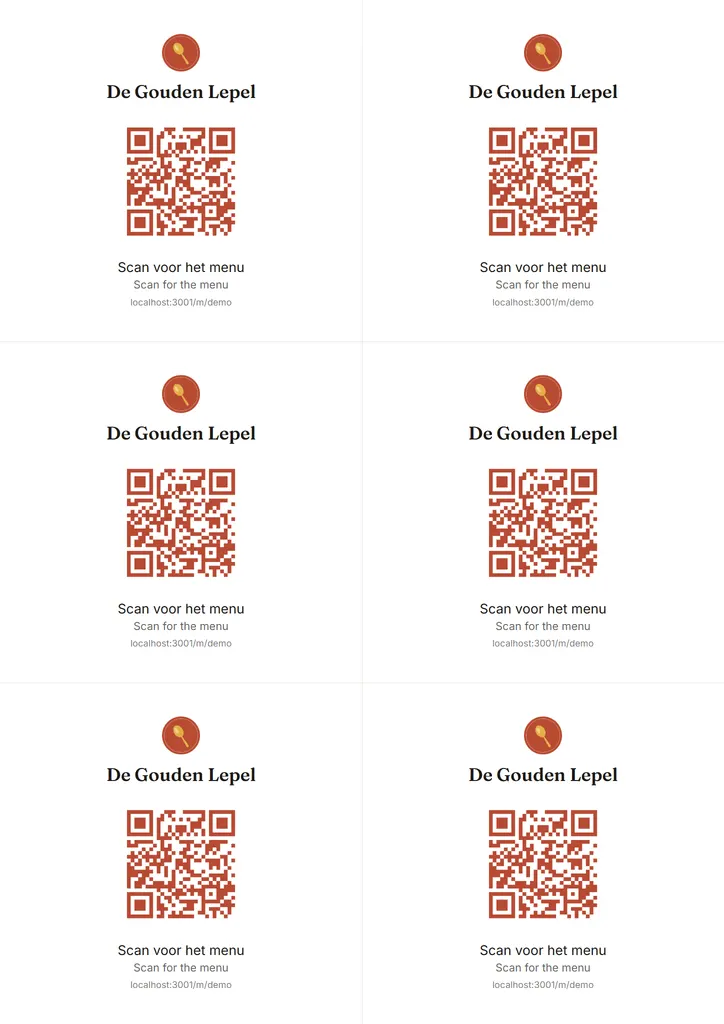
Ready in about 10 minutes.
Built for Europe
The 14 EU allergens on every dish you serve and your menu in your guests' language. Your account and menus are stored in the EU.
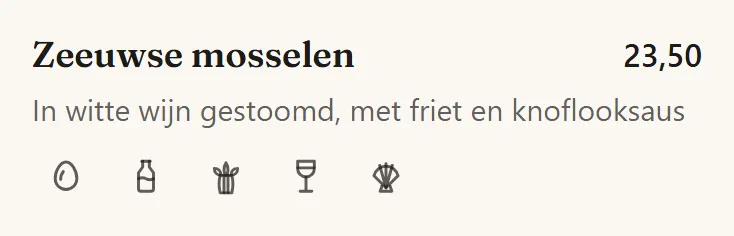
Dutch
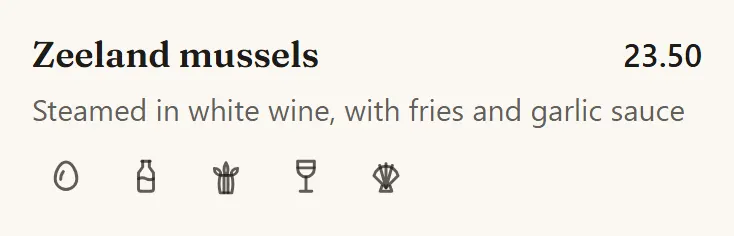
English
German
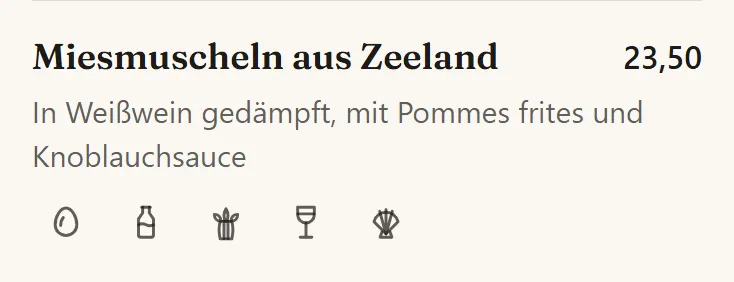
The 14 allergens of EU Regulation 1169/2011
In bold: in this dish.
- Cereals containing gluten
- Crustaceans
- Eggs
- Fish
- Peanuts
- Soybeans
- Milk
- Nuts
- Celery
- Mustard
- Sesame
- Sulphur dioxide and sulphites
- Lupin
- Molluscs
- GDPR
- No tracking and no cookie banner. Download all your data whenever you like.
- EU hosting
- Your menu and your account are stored on servers in the EU.
- iDEAL
- Pay with iDEAL or card, in euros.
Everything your menu needs
One menu, kept up to date by you, with the rest done for you.
Automatic translationPro
Your menu in every language you add, translated as you edit. Your own edits are kept.
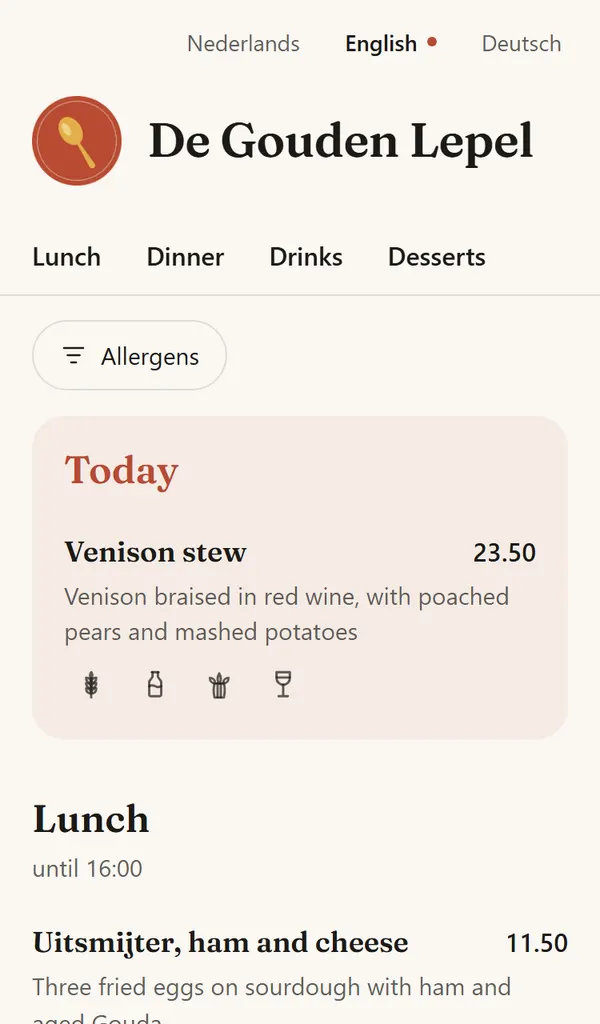
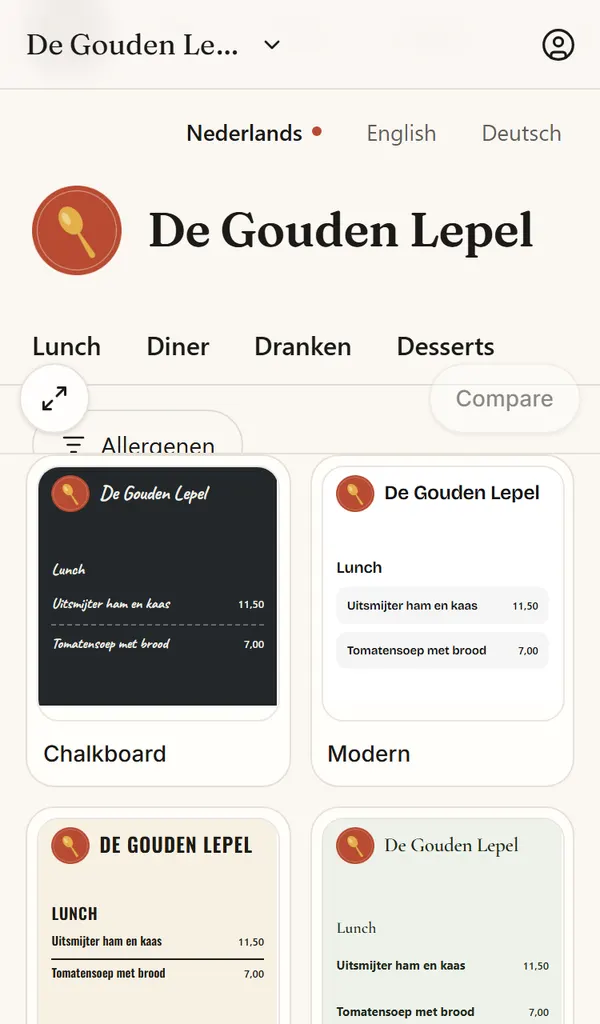
16 looks
Pick a look for your menu, light or dark, then change its colours and fonts.
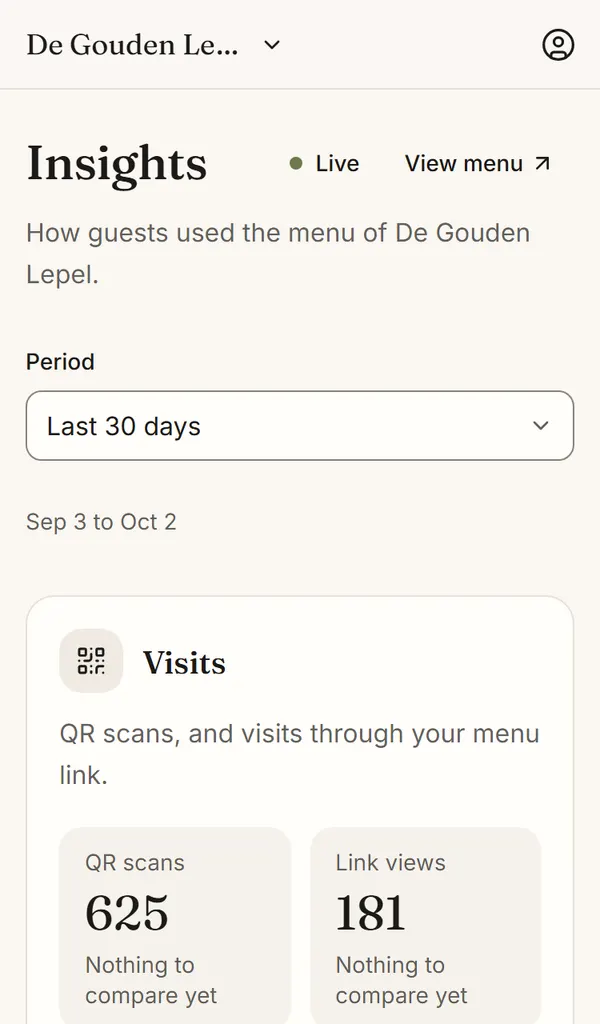
See what guests look at
Scans, views and the dishes guests open, counted without cookies.
Import from a photo or PDF
Your dishes, prices and categories in minutes, with allergen guesses to check.
Table cards
Print-ready cards with your QR code, in four formats.
Make it yours
Start from one of 16 looks and change the colours, fonts and layout. The same café in three of them:
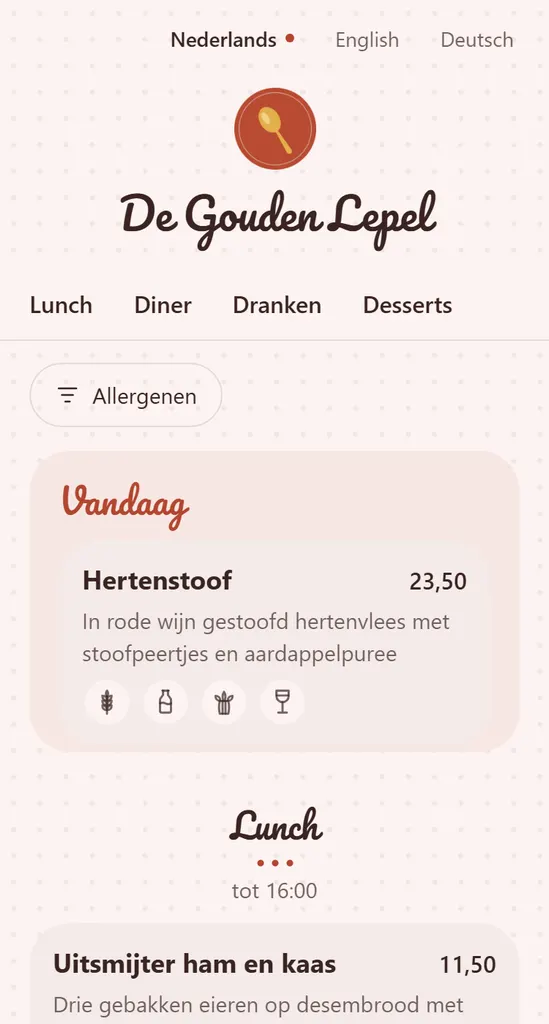
Bakery 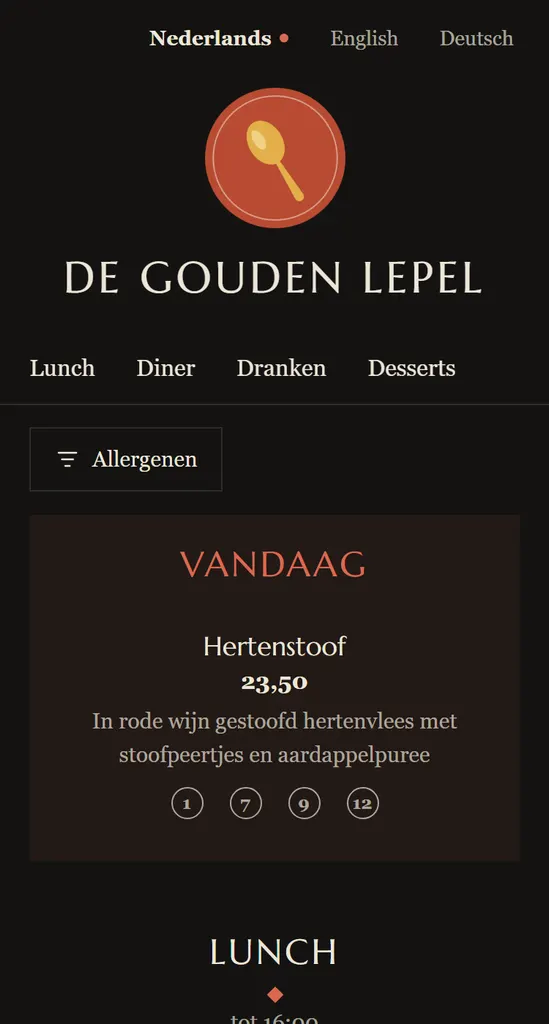
Noir 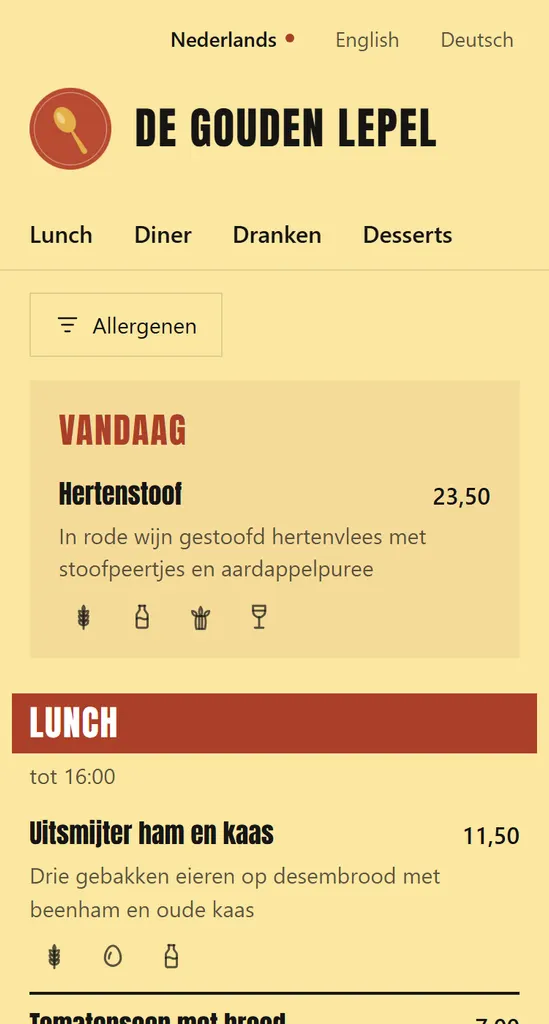
Street
- 14 EU allergens
- Hosted in the EU
- iDEAL and cards
- See the demo café
Free for your QR menu. Pro from €15 a month.
Every account starts with 14 days of Pro, no card needed. Pro includes your first venue, and each extra venue is €8 a month.
Your menu, live tonight.
Create your QR menu for free and change it whenever you like.